
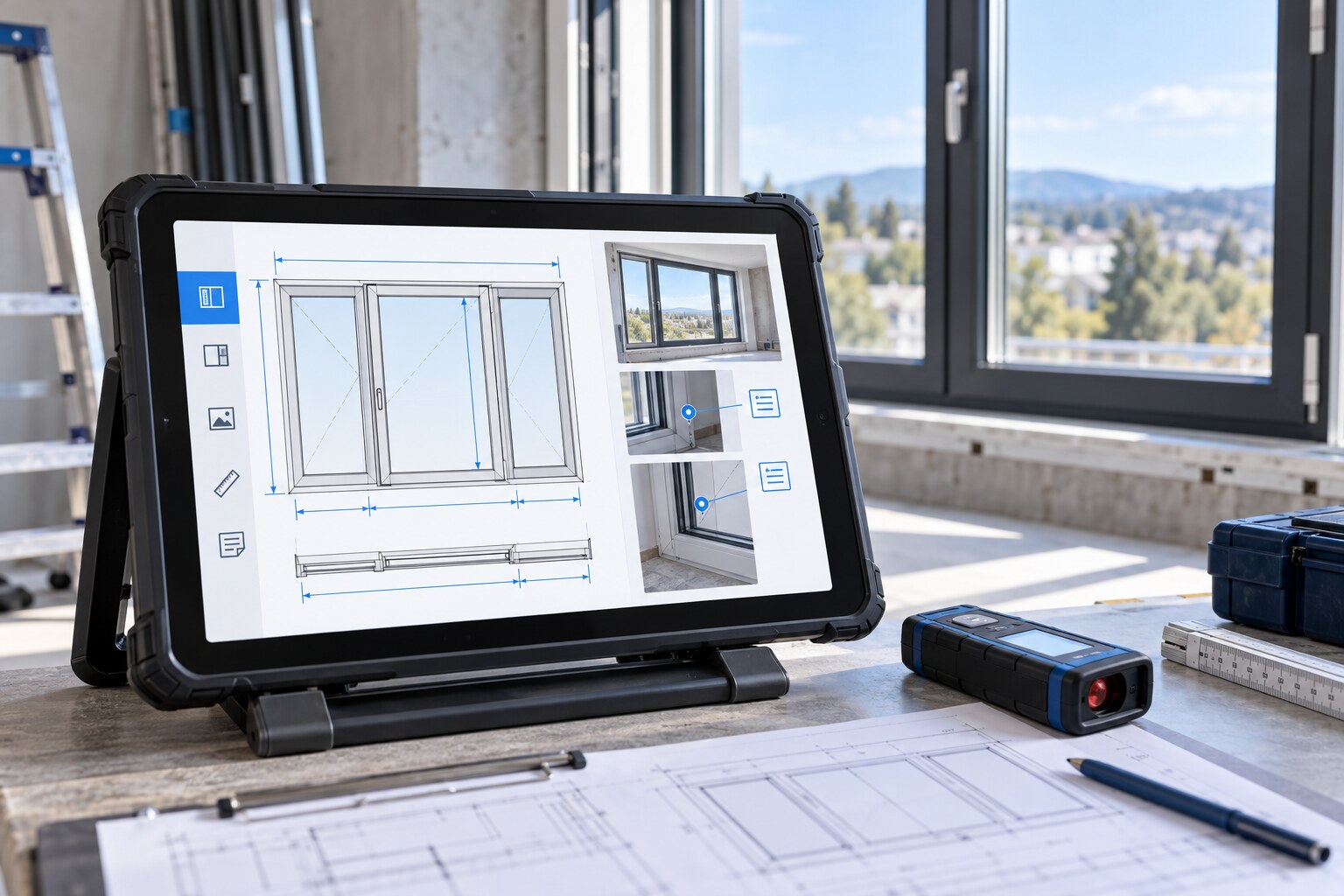
WinMaker Tablet: presentationPresentation video coming soon
WinMaker Tablet
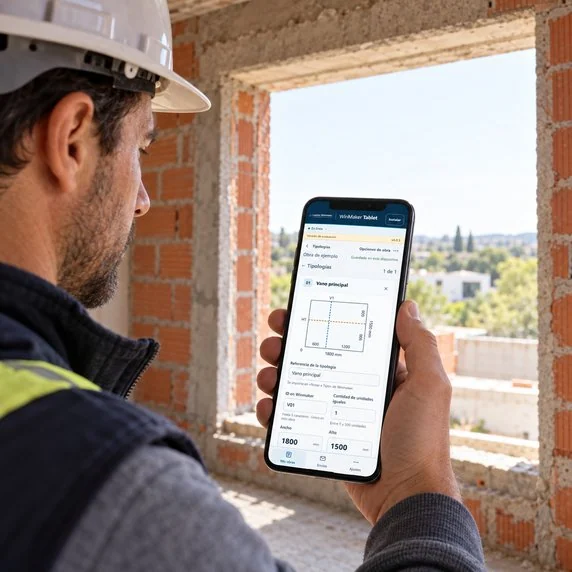
Take measurements on your phone or tablet, add photos and voice notes, and transfer the information to Winmaker to continue working in the office.
For phones and tablets · Evaluation version
Access the app
If you are already browsing on your phone, tap the button to open the app.
Open WinMaker Tabletwinmaker-tablet.lepton.com.ar
To use AI and send projects, these features must be enabled on your licence.
On-site survey
Record width, height, quantity and reference. Review the sketch and its auxiliary axes, and attach photos or voice reminders to preserve survey details.
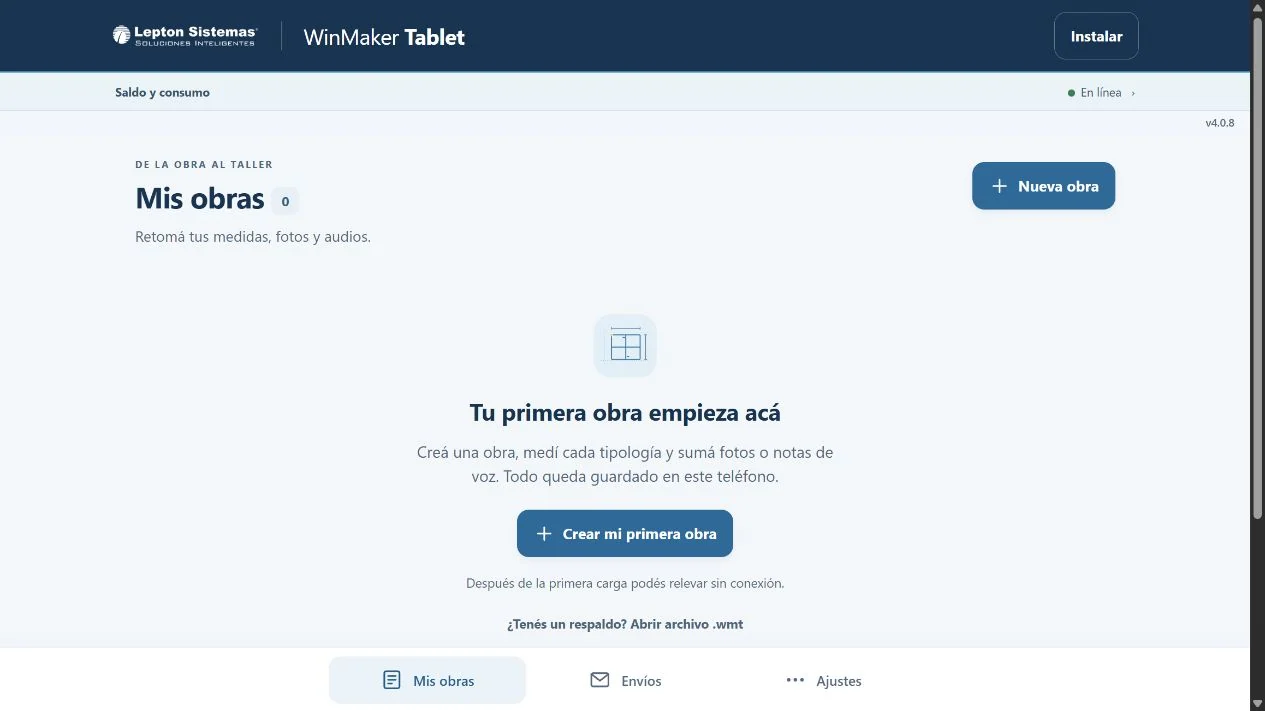
The application home screen, before creating or retrieving a project.
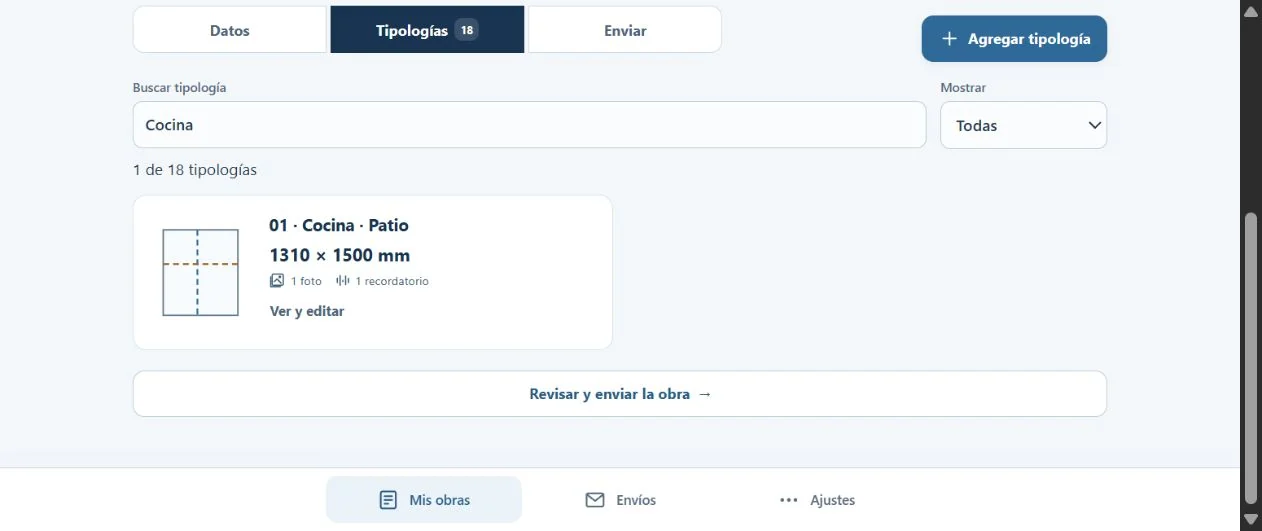
List view with sketches, dimensions and attachment counts.
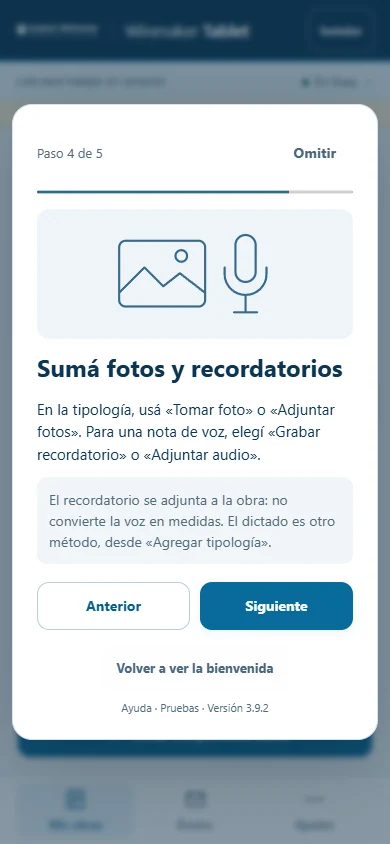
The guide explains how to attach photos and voice notes to each window and door configuration.
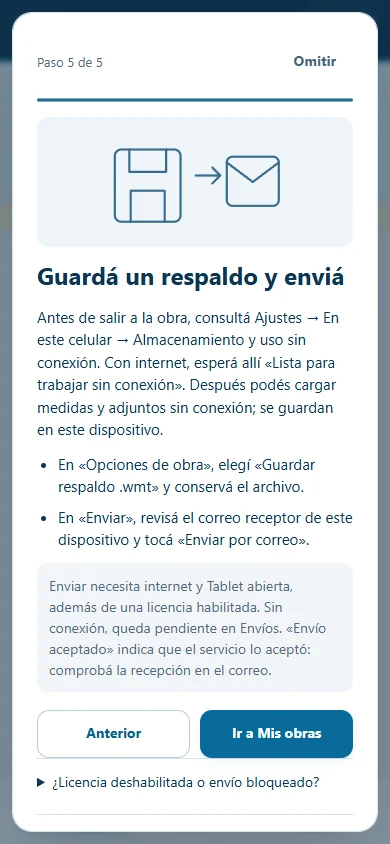
The guide explains how to save a backup and transfer the project to Winmaker.
Existing screenshots of WinMaker Tablet and its built-in help. Select an image to enlarge it.
Once the application has been prepared in advance, you can enter measurements, photos and reminders offline. Projects are saved on that device, and you can save backups to recover them.
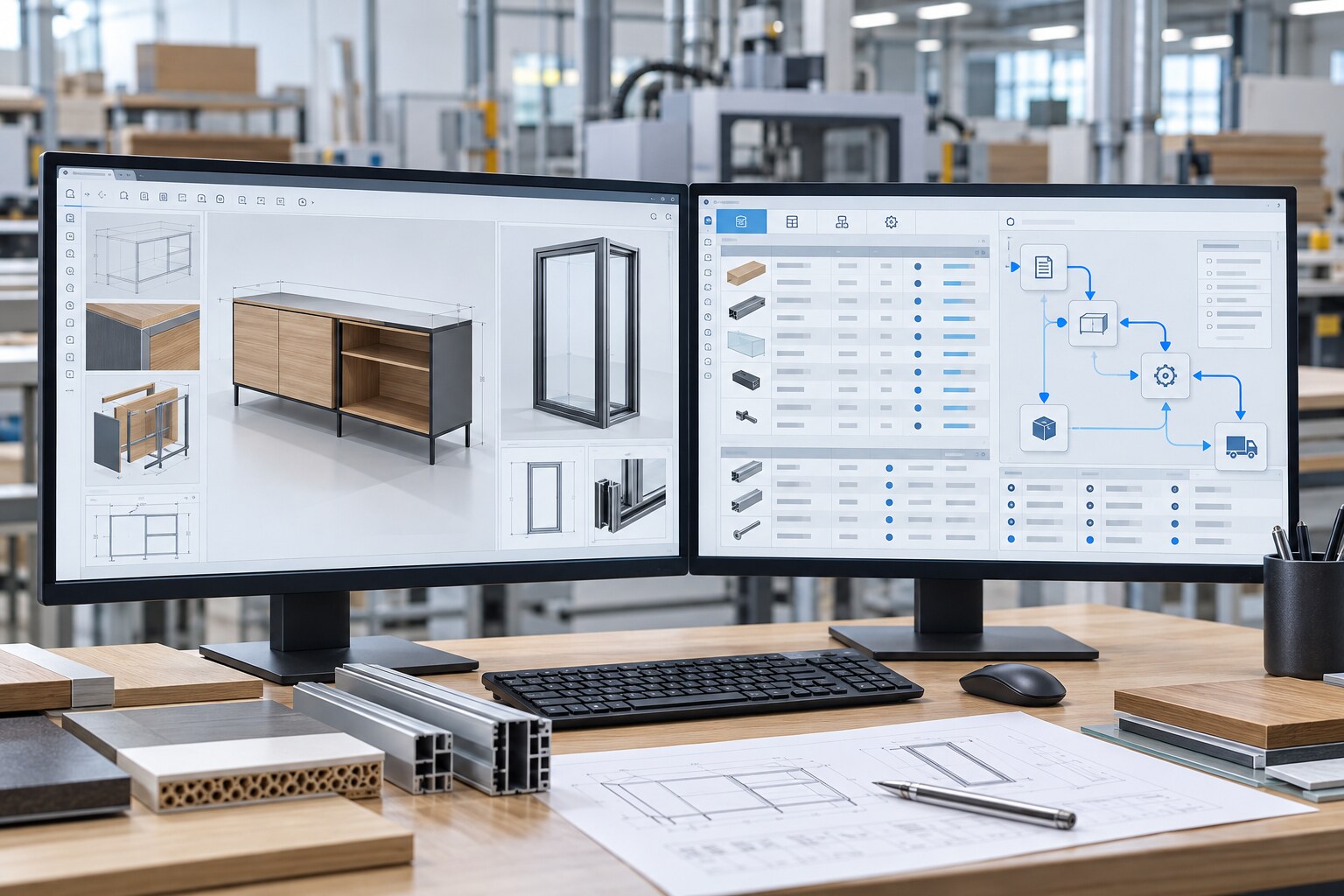
Review the survey and email the file or download it to import into Winmaker. Integration includes measurements, quantities, references, axes and attachments, and requires an up-to-date version of Winmaker.
Dictate measurements
AI features interpret dictation and prepare a sketch for you to review and correct before confirming the window or door configuration.
AI features under evaluation. Requires internet access, a licence with AI enabled and available credit.
Let’s talk about your site surveys
Contact us about activation and the requirements for working with your Winmaker.
THE NEXT STEP
An enquiry to understand each company’s business and find the right solution.